
4/2/2024
Use AI Edit to Personalize Any Pink Wallpaper
Practical workflow tips for transforming existing pink wallpapers with AI Edit while keeping structure intact.
Choose references intentionally
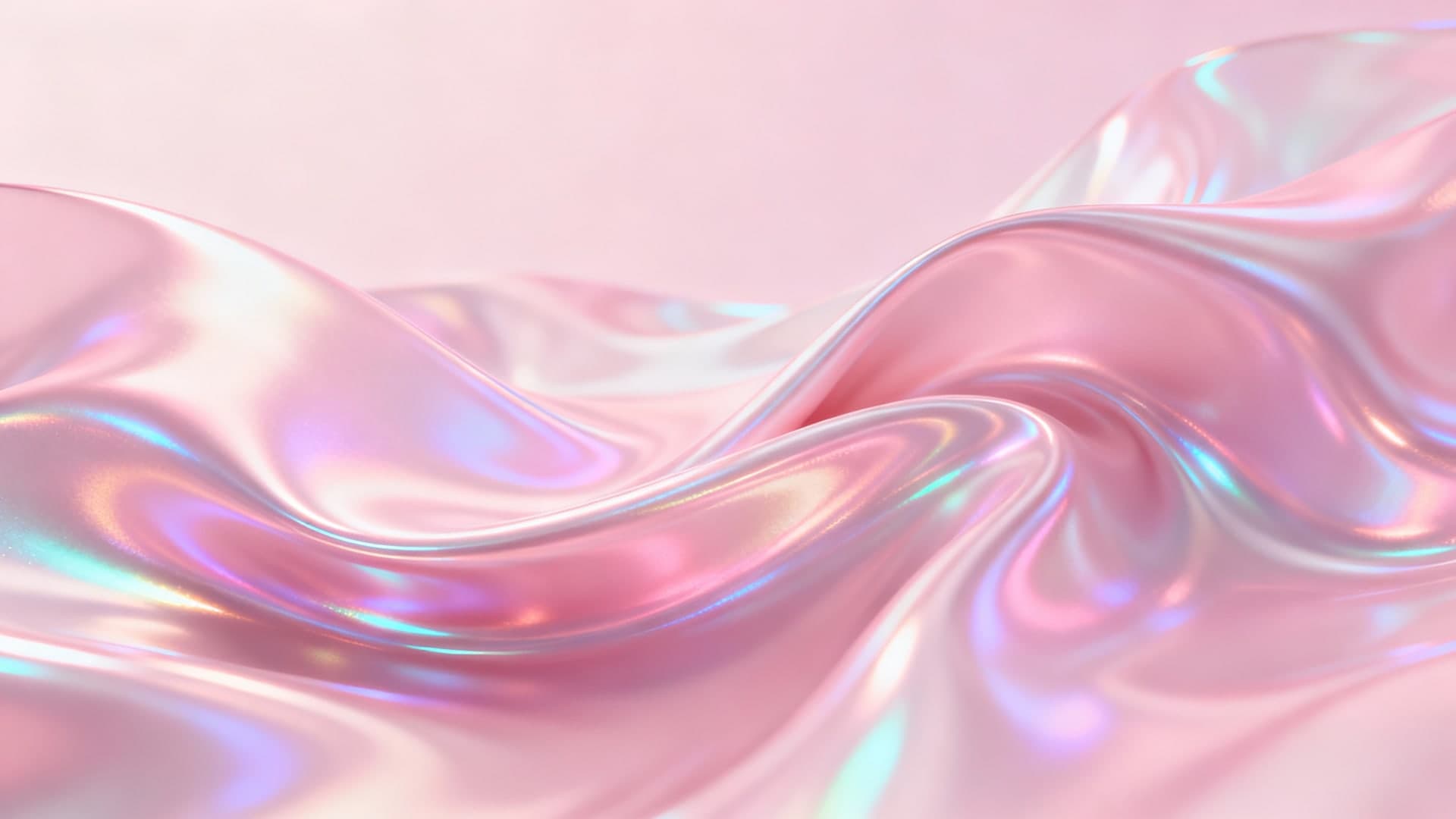
AI Edit performs best with high-resolution references that already match your device ratio. Start with wallpapers that include breathable negative space so you have room for embellishments. Metallic scenes like Pink Holographic Iridescent are fantastic bases because they respond dramatically to new lighting instructions. Before uploading, note the elements you love, whether it is marble veins, a skyline silhouette, or the kawaii mascot. That list guides your prompt so the AI keeps what matters while remixing the rest.
Explain what should change and what should stay
Strong edit prompts mention both the transformation and the guardrails. Try phrases like add silver foil sparkles across the background, keep central character intact or shift lighting to sunset peach, preserve marble texture. The more specific you are, the less cleanup you will need later. Use verbs such as soften, sharpen, expand, or surround and reference materials like satin, velvet, or chrome. Those sensory cues teach the model which parts of the image deserve the most attention.
Layer multiple passes instead of one giant change
It is tempting to ask for every change in one prompt, but smaller passes produce cleaner results. Start with color temperature, then run a second pass for added objects, and a third for glow or particles. That way, if a pass fails, you can revert without losing earlier wins. Label each variation with the prompt you used and save them in a dedicated folder. The history helps you recreate favorite edits on new wallpapers later.
Prep exports for every device
After an edit succeeds, immediately download Mobile, Tablet, Desktop, and 4K sizes. Even if you only need one size today, having the full set keeps your ecosystem cohesive. Use the 4K version for posters or merch mockups, and rely on the Mobile preset for social story crops. If you plan to share the edit with collaborators, zip the four files together and include the original prompt in a README. It is a tidy way to hand off assets without context loss.
Blend AI edits with manual finishing
Once you have the AI output, drop it into Photoshop, Canva, or Figma for finishing touches. Add typography, logos, or color overlays to align with your brand kit. Because AI Edit preserved the main structure, these tweaks take minutes instead of hours. Document the workflow in a note or Notion page so you can repeat it. Include the original wallpaper link, prompt, export sizes, and any manual editing steps. Future you and your teammates will thank you.
Recommended pink wallpapers
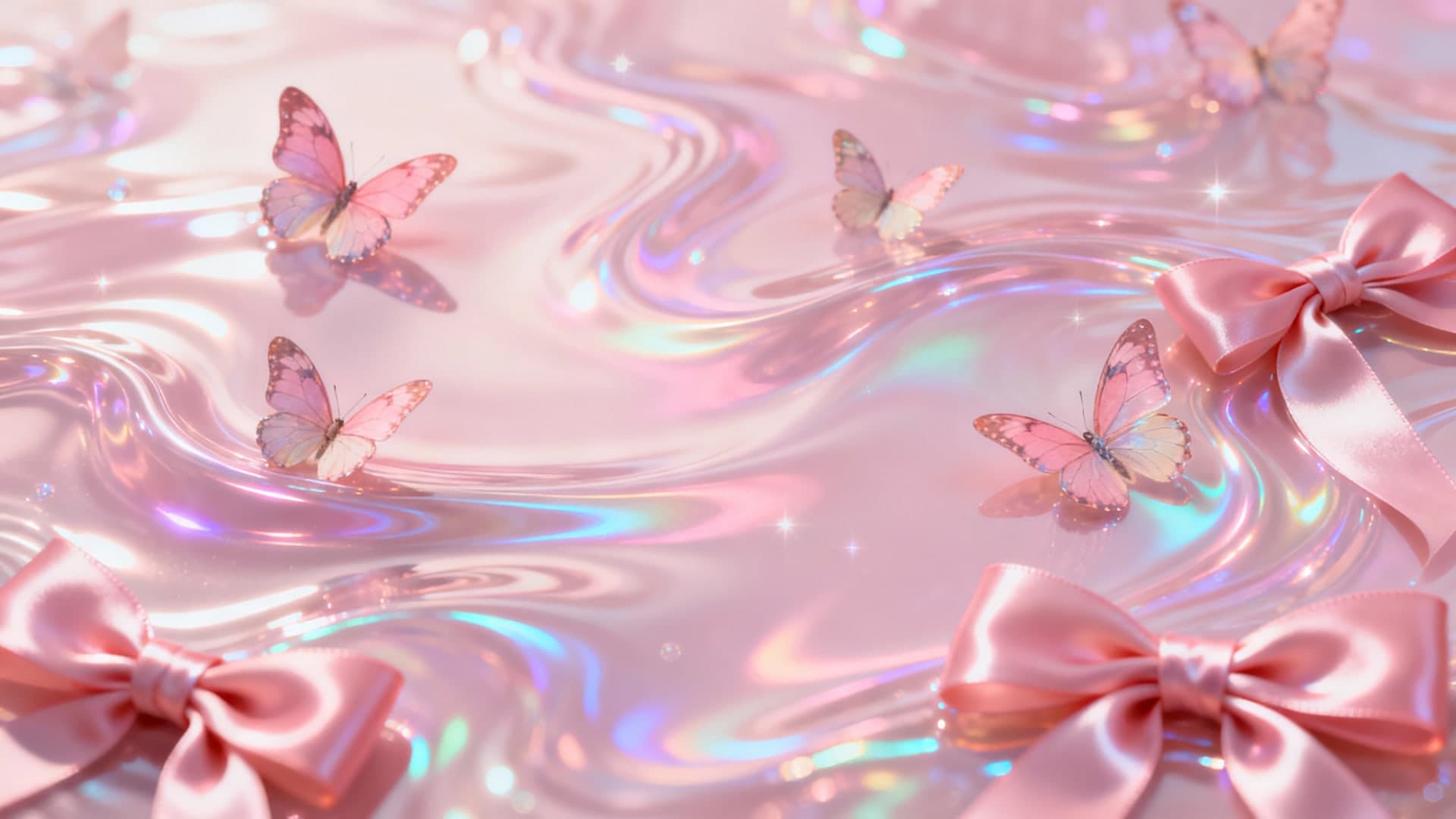
Pink Holographic Ribbons
A dynamic base file for experimenting with metallic edits and glow trails.

Pink Dreamy Cloudburst
Perfect for practicing subtle edits like shifting cloud color or adding sparkles.
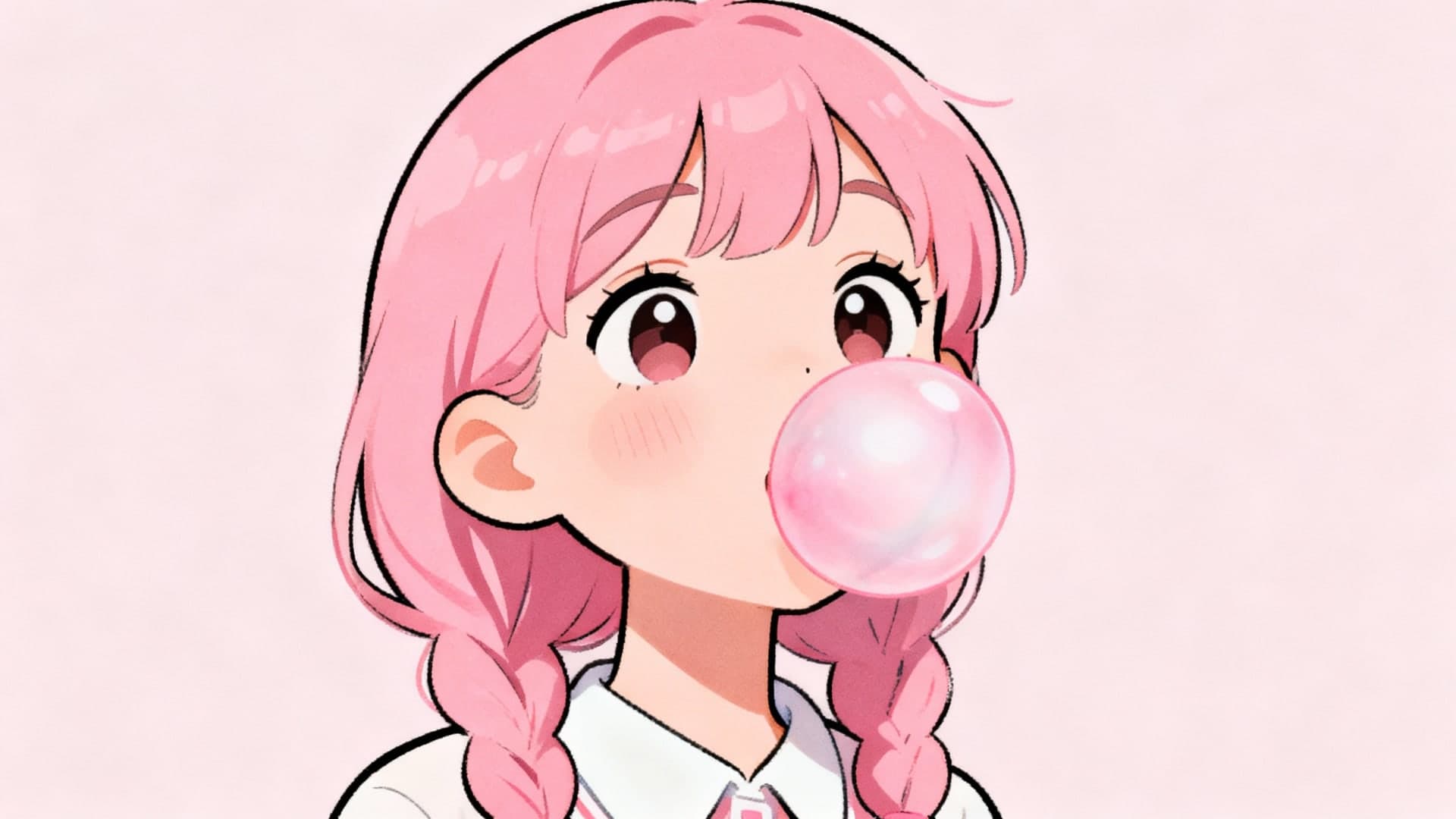
Pink Cute Girl
Great for demonstrating character-safe edits where you change the background but keep the subject.